
AI-Friendly Website Guide for Children’s Activity Centers

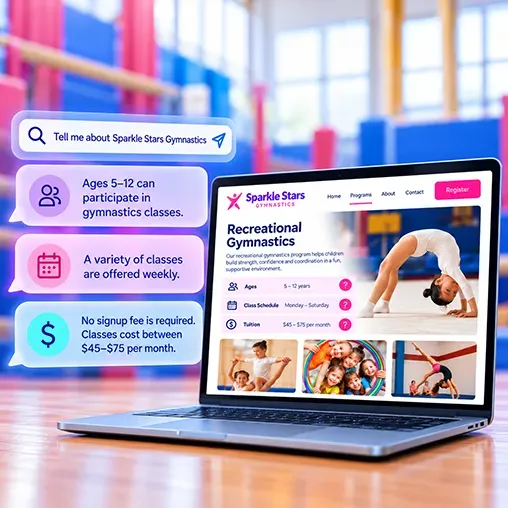
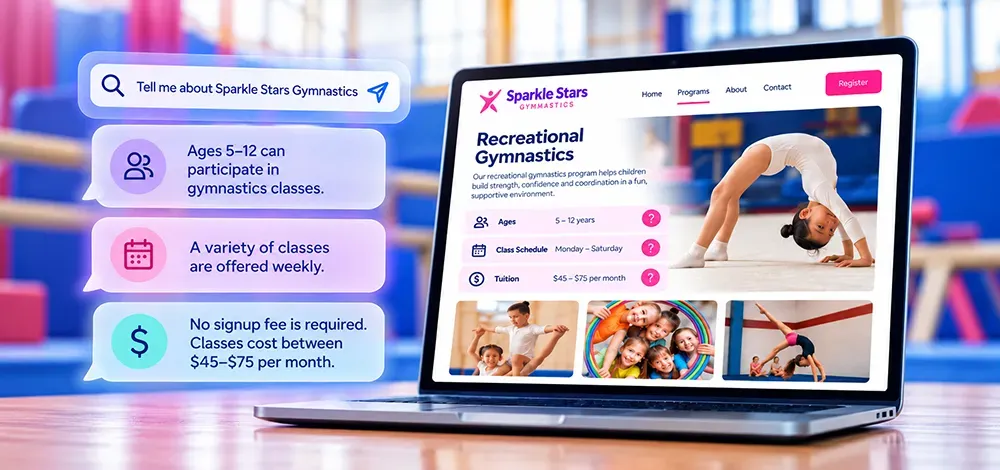
Parents are still searching for classes online, but they have more ways to find answers. A 2026 Pew Research Center survey found that 60% of U.S. adults say they read AI summaries at the top of search results.
A parent might search “swim lessons near me” or ask an AI tool, “Where can my five-year-old take beginner swim lessons on Saturdays, and what should we expect at the first class?”
Answering that question requires specific information: ages, skill levels, locations, schedules, and what families need to know before attending. When those details are missing or difficult to find, families and search tools may overlook what you have to offer.
For swim schools, gymnastics and cheer gyms, children’s dance studios, and ninja programs, that raises a practical question:
How can your website help families find your classes through traditional search and AI-generated answers?
Does AI-Search Make My Activity Center’s Website Obsolete?
No. AI isn’t replacing your website. It uses it as fuel.
Your website helps families discover your programs, understand their options, and take the next step toward enrollment. It can also provide information that web crawlers, search engines, and AI tools use to deliver results.
Whether you run a cheer gym, gymnastics center, ninja gym, swim school, dance studio, or some other type of children’s activity center, your website gives you control over how you present your business—from your teaching approach to your registration process.
Building an AI-friendly website starts by learning what families ask. Publish clear, accurate answers that people and web crawlers can find easily.
🔑 Key Takeaway: AI is changing discovery. Your website still matters; possibly more than ever.
What Is An AI-Friendly Website?
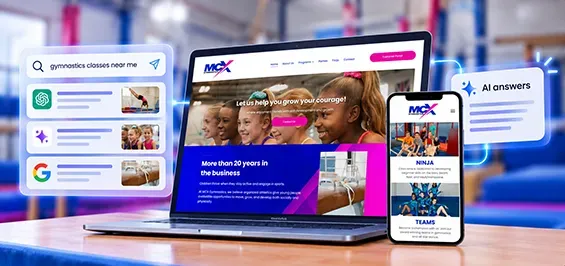
An AI-friendly website clearly explains who you serve, what you offer, where you operate, and how to get started. It's important to be able to access those details without logging in, submitting a form, or reading text embedded in images.
Understanding Basic Website Optimization Terms
Three overlapping approaches address website visibility:
- Search Engine Optimization (SEO) helps families find your website in search rankings. Clear pages about your programs, age groups, and location help search engines connect your site with searches like “beginner gymnastics classes in Dallas.”
- Answer Engine Optimization (AEO) makes direct answers from your website easy to extract and feature. Answering “What should my child wear to dance class?” gives search tools a useful response to that question.
- Generative Engine Optimization (GEO) focuses on visibility in AI-generated answers that draw from multiple sources. Accurate program details and instructor qualifications can give AI context for comparing, describing, and recommending your services and how they fit the needs of the search.
Tools like ChatGPT, Claude, and Perplexity can search the web, but their processes, sources, and answers will differ. No specific markup or formula can guarantee your inclusion in their responses. But while AEO and GEO practices continue to evolve, Google recommends established SEO best practices as a foundation.
🔑 Key Takeaway: Start with accurate public information, accessible pages, and established SEO practices.
What Should Your Website Say About Your Classes?
Start by answering the questions your team answers each week. Build content around what each audience needs: class guidance for new families, sibling options or discounts for current families, and workplace information for potential hires.
Common FAQs for Activity Centers
- Which class fits my child’s age and experience?
- What qualifications do your instructors have?
- Do you offer trials, and what happens afterward?
- What costs should we expect to pay beyond tuition?
- What should my child wear or bring to a first class?
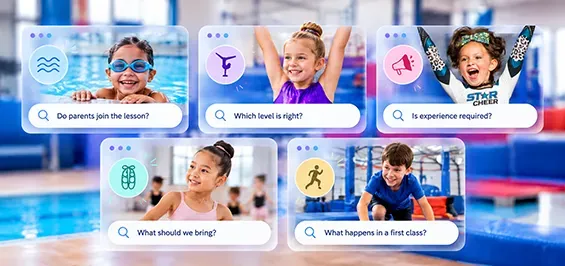
Swim School or Learn-to-Swim FAQs
- How do instructors handle a student who is anxious, nervous, or crying?
- What safety and supervision practices are in place? Are there ratios?
- Are parents expected to participate in early lessons?
Tumbling & Gymnastics Gym FAQs
- What is the difference between gymnastics and tumbling?
- What skills are taught at each level and how do kids progress?
- Is gymnastics safe for my child? Can parents watch?
Specialty Cheer Gym FAQs
- Can my child join with no experience? Is gymnastics or tumbling experience required?
- What’s the time and financial commitment if my child is placed on a competitive team?
- Are there fundraising requirements for recreational or team students?
Children's Dance Studio FAQs
- Which dance styles do you suggest for a strong dance foundation?
- Which styles tend to suit beginners?
- Are there costume, recital, or competition fees?
Ninja Gyms or Junior Ninja Program FAQs
- Do kids need prior gymnastics or athletic experience to try ninja?
- What’s the difference between a structured class and “open gym”?
- What obstacle activities does your gym offer?
Consider an overall program directory page with search tools or filters. Then place concise answers on specific program pages to help families assess fit and assist search tools with finding a matching recommendation.
🔑 Key Takeaway: Use language families understand.
While “Little Starfishes” may be a program name for your swim school; “co-ed beginner swim lessons for ages 3–5” better explains what it is and who it serves. Pairing the program name with a plain-language description helps families and search tools understand the offering.
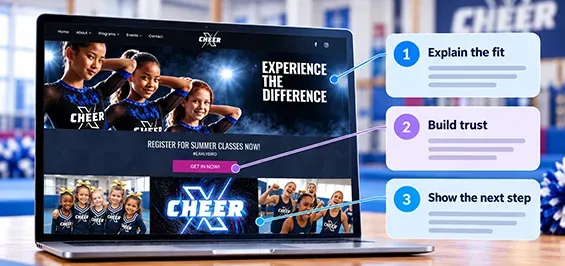
Build Pages That Help Families Choose You with Confidence
Review these five areas to make your website clearer, more useful, and more trustworthy.
1. Give Each Program a Clear Home
Create a page for each program with ages, skill levels, learning goals, placement guidance, and how to get started. Link directly to class schedules, instructor bios, and registration workflows. For multiple locations, show where each program is offered before you require users to sign up for an account.
2. Assign Someone to Keep Details Current
Whenever schedules change, have a designated team member review dates, eligibility, instructor information, policies, and registration instructions. Update or remove outdated offerings.
3. Show Who Families Are Trusting Their Children To
Add real staff bios, relevant qualifications, facility photos, and customer testimonials. Explain supervision, safety practices, and what happens at drop-off or a first class.
Families are deciding whether to trust you with their children. A website with little information or personality and generic images won’t inspire a great deal of trust.
4. Make Each Location Easy to Identify
Every business should strive to keep its information consistent across its website, Google Maps entry, and directory listings. For multi-location facilities that share a website, give each facility clearly labeled pages with the right address, contact details, programs, and schedule.
5. Organize Your Website's Content Intentionally
Add meta data (a title and description) to each page for search engines to display when you appear in results. Use descriptive headings with important keywords families may use in search. Use headings in the right order – with a single H1, followed by one or more H2s, and so on. Use formatting options to keep on-page text big enough to read and easy to digest.
Place brief FAQs near content based on the decisions they support, such as questions about skill or experience requirements on program pages. Check that repeated answers agree across pages.
🔑 Key Takeaway: Make it easy to identify the right program, verify who teaches it, and present organized and relevant information about it.
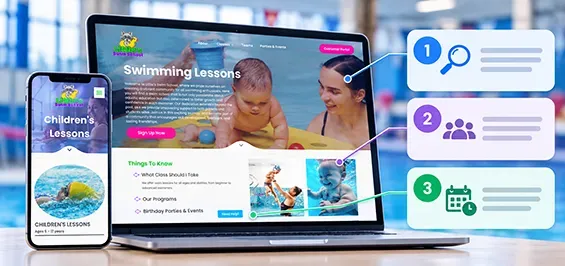
Start Your Website Audit with One Program Page
Start with one popular program page to identify the improvements that will make the biggest difference for interested families.
Ask an AI tool that searches the web to describe that program at your business, including details about your location. Check the answer for inaccuracies or missing details you would want a parent to know.
Then ask someone unfamiliar with your classes and operations to explore the same program:
- Find the fit:
Can they easily identify the right class for their child based on age, skill level, schedule, and any other eligibility requirements?
- Assess trust:
Can they find information about instructors, facilities, safety, and what to expect in the first class?
- Begin registration: Can they find the matching class in your registration workflow and understand how to enroll?
Compare the AI response and your tester’s feedback with your website content. Clarify missing or confusing details, including where classes meet and how students progress. Answer common questions and link the page to matching registration options. Fix unclear buttons, broken links, or unexpected changes in branding that could make families hesitate.
Repeat this process across your programs, then set up a quarterly reminder to review important pages and registration links. You can revisit the AI questions periodically to spot possible information gaps but use those answers alongside direct website testing to guide improvements.
🔑 Key Takeaway: Test one program page at a time with a new visitor, compare it with an AI response, and fix gaps in information or registration flow.
Connect Your Website to Your Class Management Software
A parent who clicks “Register” after reading about a Saturday beginner class should easily find that class. Keep program names, locations, schedules, and requirements consistent across your website and registration system, and link families to matching options wherever possible.
Whether families discover you through a referral, search result, or AI answer, a clear path to enrollment helps them act on what they’ve learned.
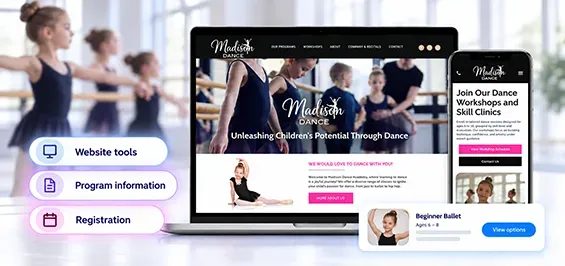
How iClassPro’s Integrated Website Gives You a Strategic Advantage
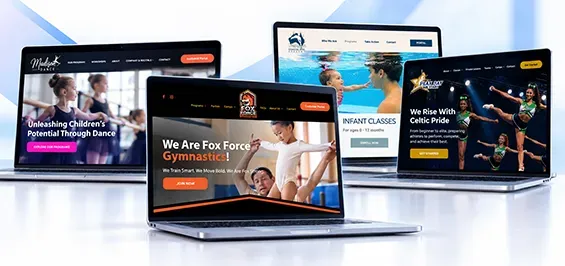
Available with our Premium Plan and above, iClassPro’s Integrated Websites let you build a custom website. You can also add parts of the customer portal registration experience directly to its pages. Built-in site editing and SEO tools help your team keep information current. They give families a connected path from exploring programs to enrollment.
With Integrated Websites, we provide the DIY website builder, professional templates, step-by-step training, integrated iClassPro interfaces, and even an optional Kickstart Package to help you launch your new website.
Our website platform also includes helpful AI tools to enhance your website’s performance, like:
- AI Content Assistant
– helps users with headlines, paragraphs, and copy. Adjusts tone, translates text, and fixes spelling and grammar errors to enhance trust.
- AI SEO Assistant
– Generates page titles and meta descriptions to help with website discoverability through search engines.
- AI Alt Text Generator – Creates image descriptions to support accessibility and help search engines understand images on your website.
Your team then creates and manages the content that helps your website show up in relevant searches and AI conversations: by providing accurate program details, answers to families’ questions, and clear next steps.

Take the Next Step with iClassPro Integrated Websites
If you’re ready to take action with iClassPro as your class management software and an Integrated Website to fuel your AI-readiness and registration – find your next step below:
Already on iClassPro Premium?
If you’re already on Premium and haven’t started an Integrated Website, you have access to this benefit. Explore the website options and contact our team to discuss getting started.
Already Using iClassPro and Interested in Upgrading to Premium?
If you’re on a lower iClassPro plan, explore the Premium Plan to learn about Integrated Websites, Pro Insights, and other included features. Complete the form below to request an upgrade.

New to iClassPro’s Class Management Software?
See how iClassPro’s class management software and Integrated Websites can support your cheer, gym, swim, dance or ninja center. Request a demo to explore your options and discuss the plan that fits your business needs.

AI-Friendly Website FAQs
Do websites still matter when families use AI search?
Yes. Even when families get an initial answer through AI search, your website gives them a place to explore your programs, meet your instructors, and register. It also provides information search engines and AI tools can use to describe your business.
Does an AI-friendly website need special AI tools or markups?
Google says no special AI markup is required for its AI search features. It’s more effective to start with useful public content, accessible pages, descriptive links, and current business information. Any structured data or specialized markup added should match what visitors can see. Learn more from Google Search Central.
Do I need a new website to improve visibility in AI search?
Not necessarily. Platforms like iClassPro’s Integrated Websites include editing and SEO tools that help you maintain clear, accessible website content. But you can start improving your content, navigation, and mobile experience with your current provider. Consider changing platforms if its tools make it difficult to update pages, publish accessible information, or seamlessly connect families to registration.
Will adding FAQs make my website appear in AI answers?
FAQs can make information easier to understand and use, but they don’t guarantee inclusion in AI answers. Answer real questions accurately, place them on relevant pages, and keep the information current.