






What is the Branded App?
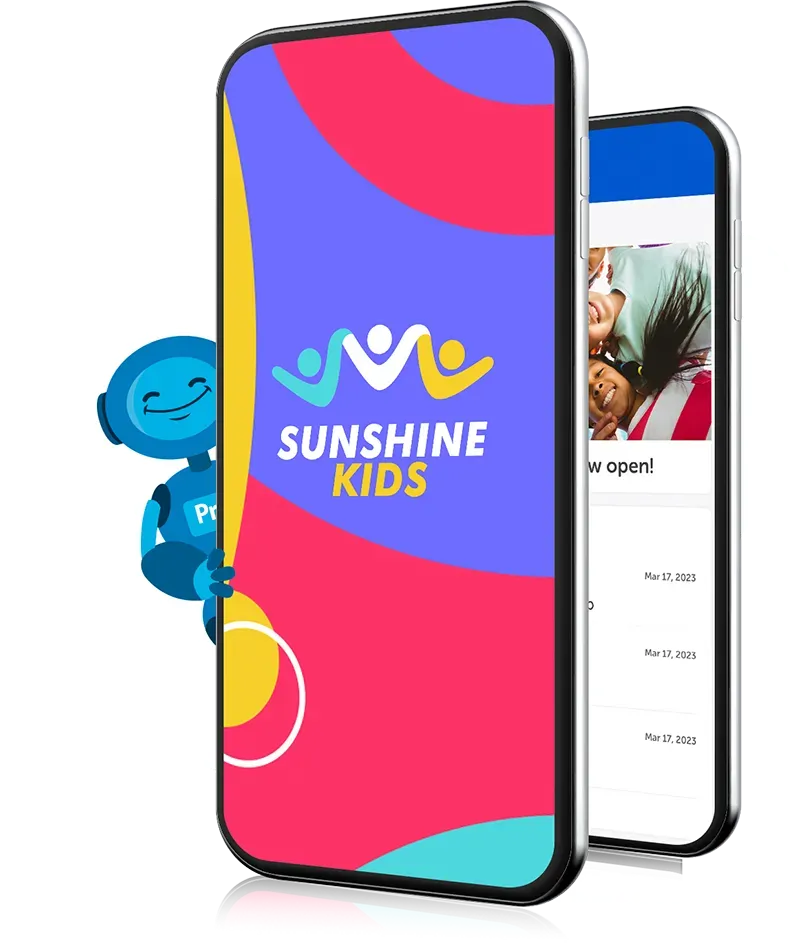
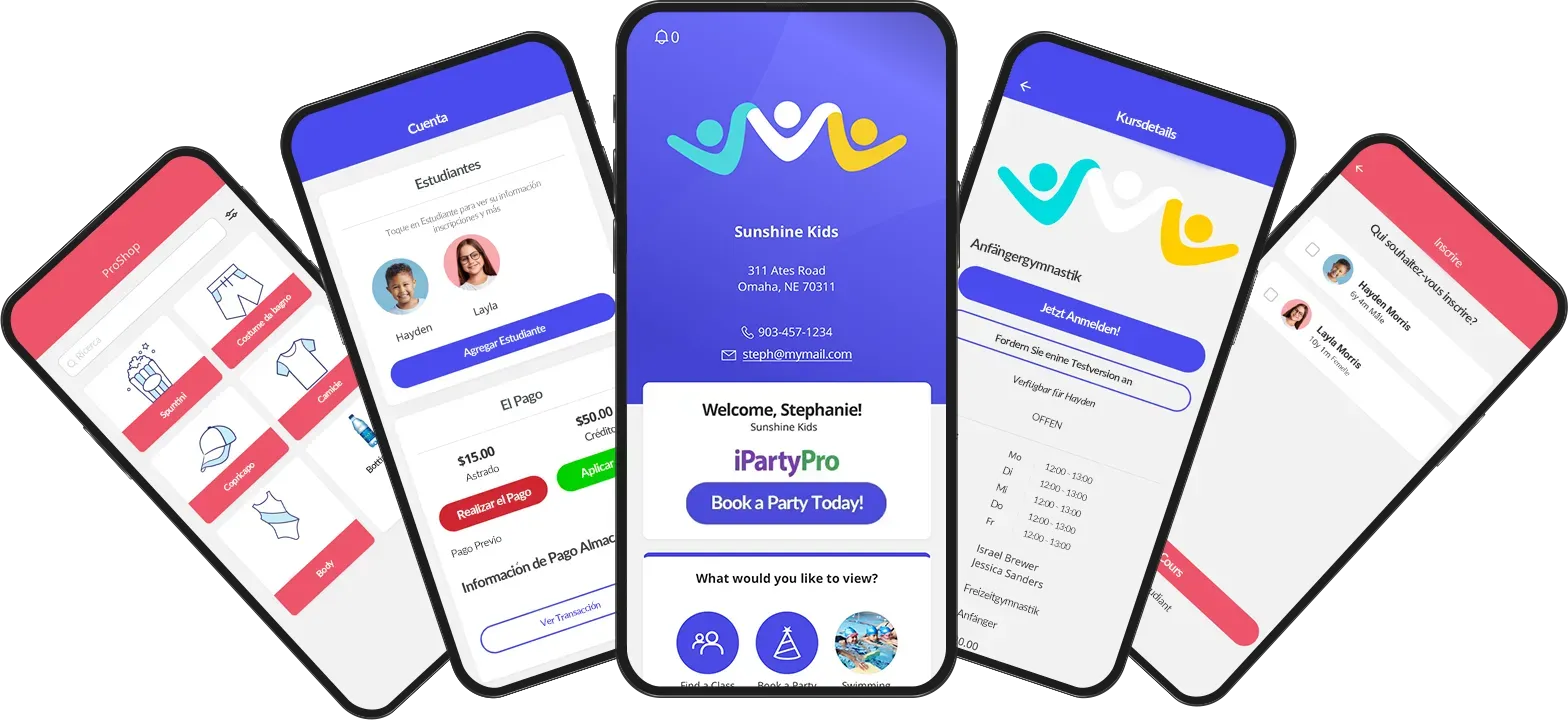
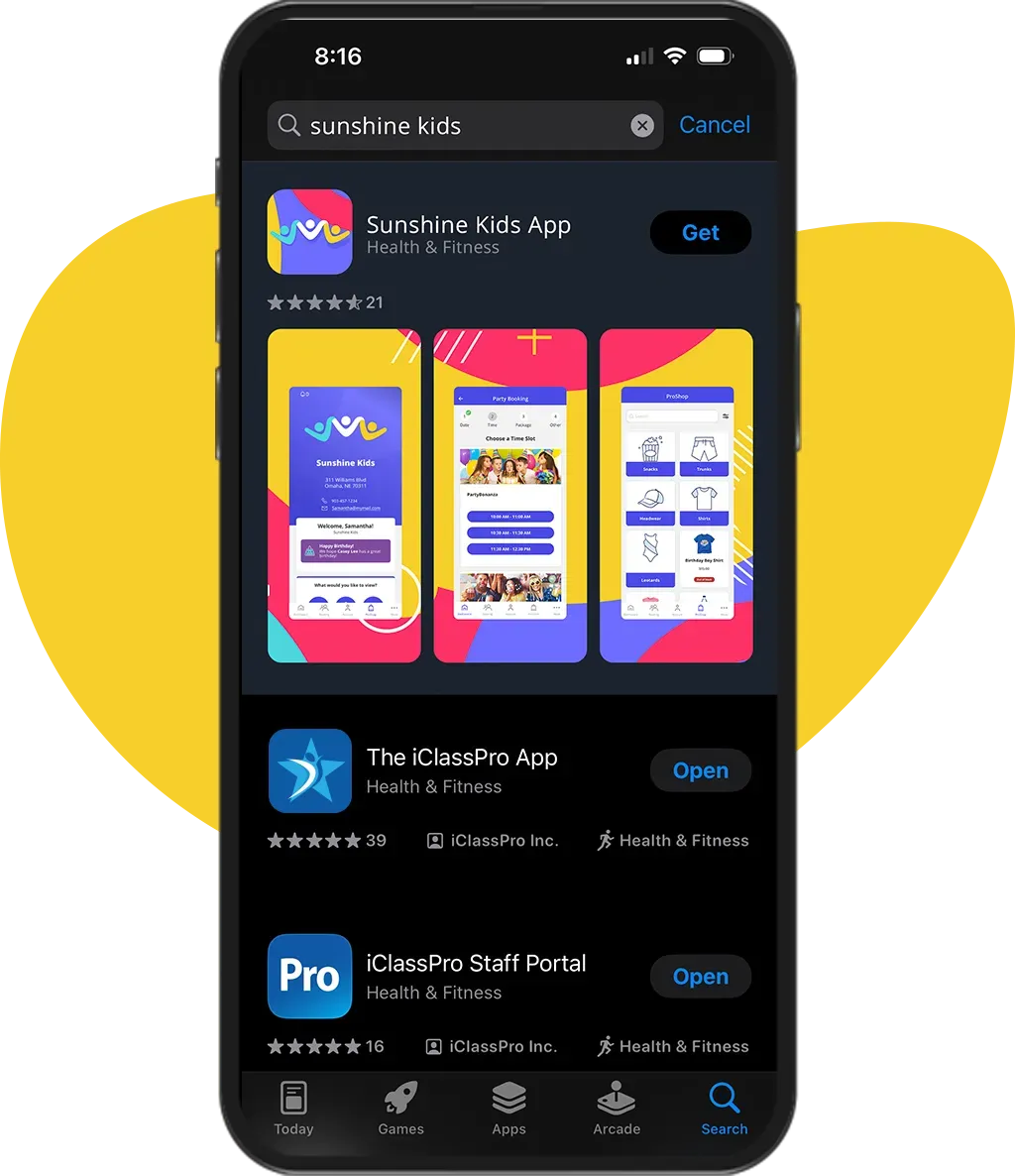
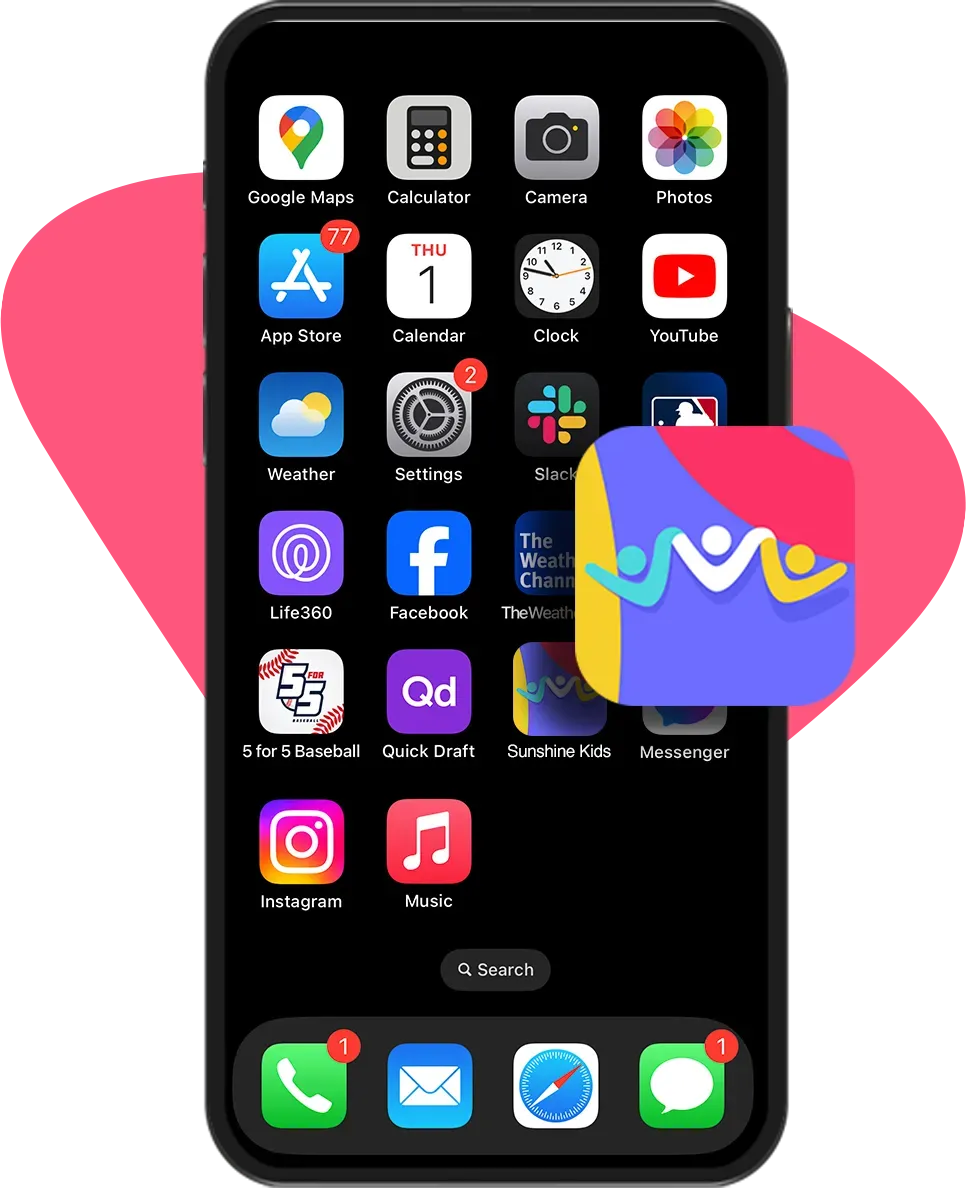
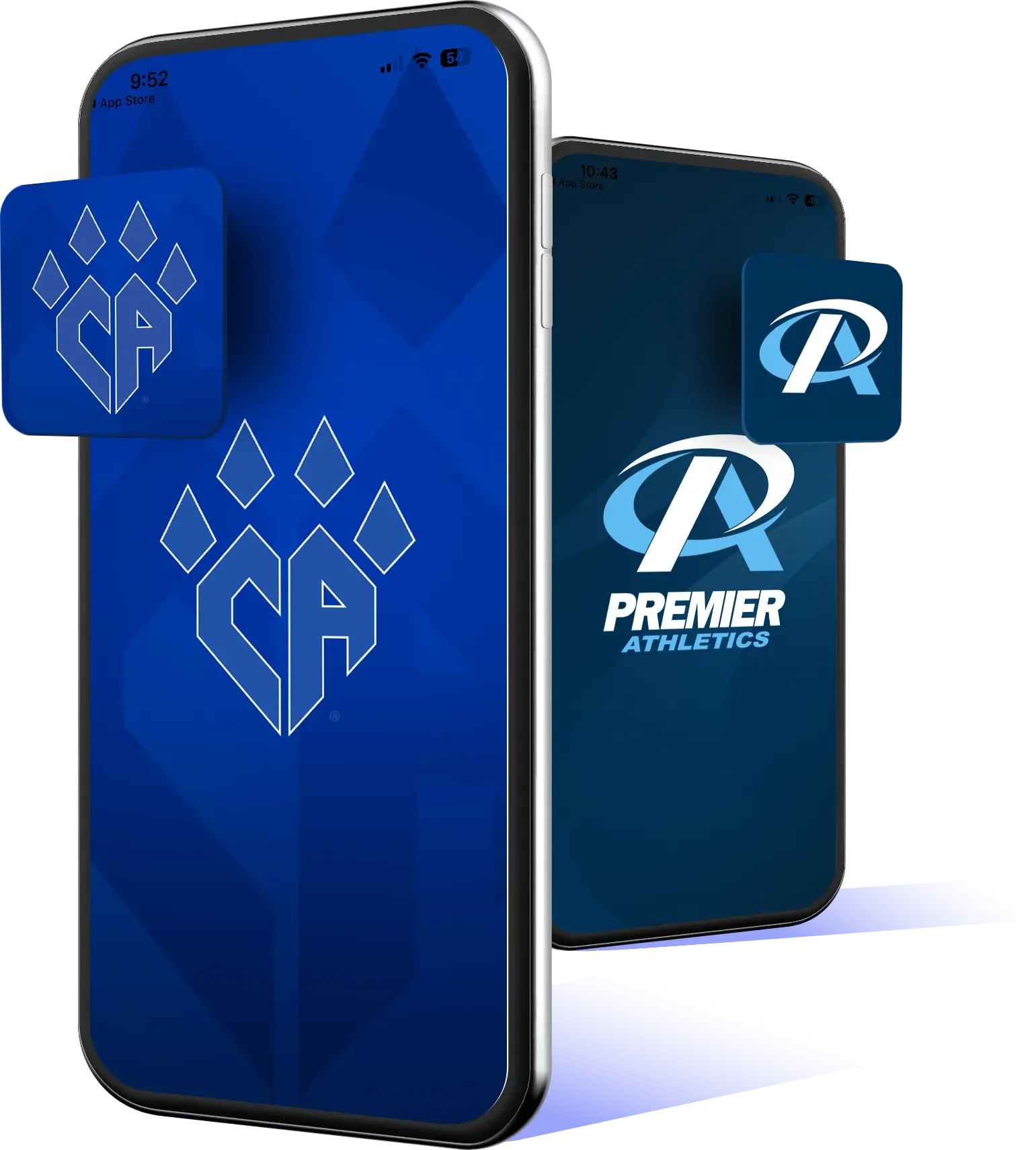
The Branded App is a premium version of our mobile app. It features your organization’s name, logo, and brand colors, creating a fully branded, professional experience in the App Store and Google Play.
How long does it take to set up the Branded App?
Once you've provided the necessary branding materials and completed the setup steps, the app is typically ready within 2–4 weeks, depending on app store approval timelines.
Will my customers have to download a different app?
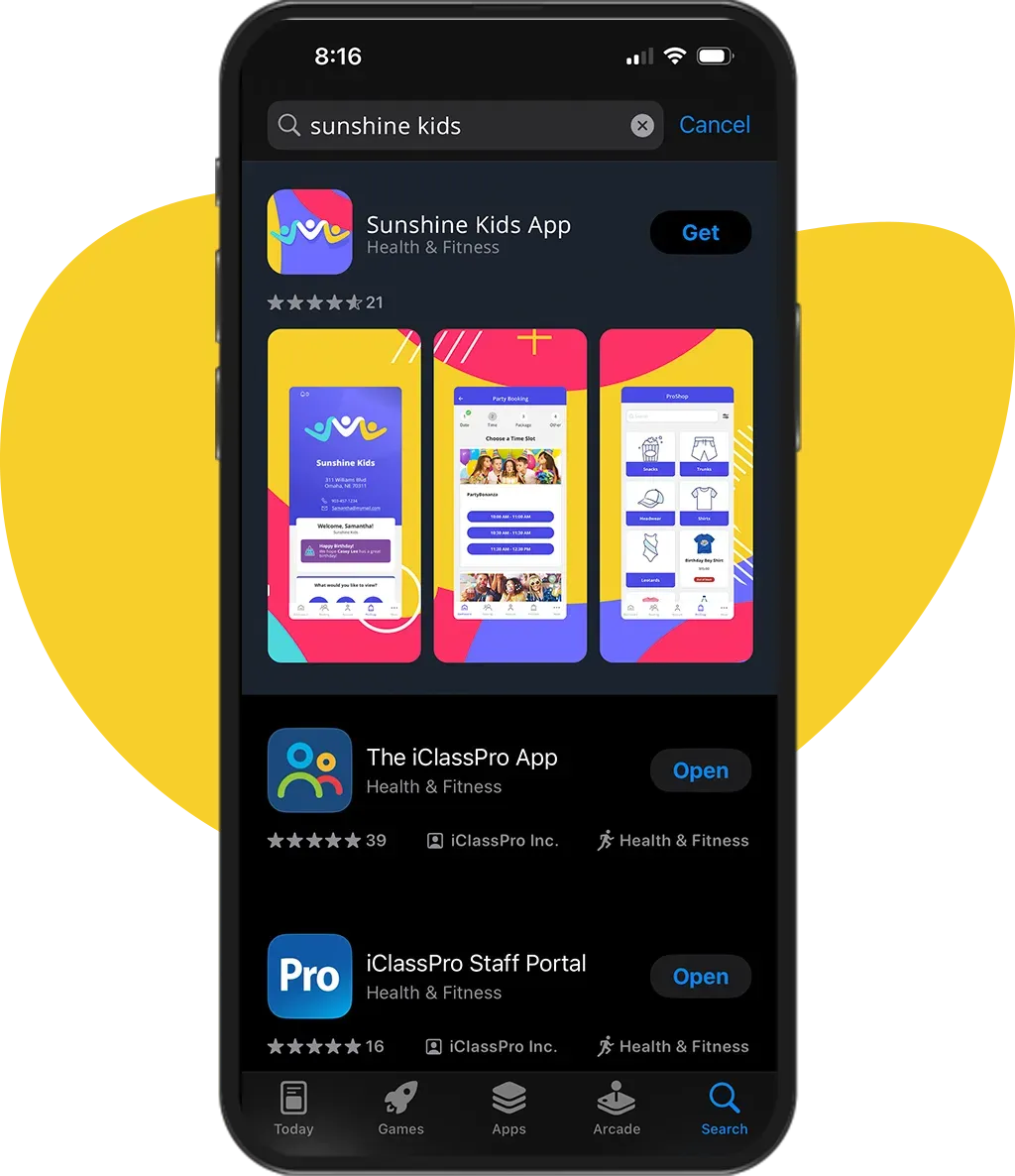
Yes — the Branded App is a standalone app, available in the App Store and Google Play under your organization’s name. It’s easy to guide families to download it and log in with their usual account info.
What value does this bring to my business?
A Branded App strengthens your brand presence, builds customer trust, and improves retention by giving families a professional, polished experience with your business at the center.
What information do I need to start the Branded App Process?
To begin the Branded App Process, you will need the following:
Logo: A high-quality version of your organization’s logo to be used in your app branding.
Point of Contact: A designated person from your organization who will manage communications and approvals throughout the development process.
D-U-N-S Number: A DUNS number is a unique nine-digit identifier for businesses issued by Dun & Bradstreet. It’s required when creating an Apple or Google developer account for organizations because it verifies the legitimacy of the business and ensures the app is published under the correct company name, helping maintain trust and accountability in app stores.
Apple Developer Account Access: You must have access to your organization’s Apple Developer account to publish the app to the Apple App Store.
Google Developer Account Access: You must have access to your organization’s Google Developer account to publish the app to Google Play.
App Store Description: A written description of your app that outlines its features, benefits, and purpose. This will appear in both the Apple App Store and Google Play Store.
What are the requirements to set up an Apple Developer Account?
To enroll in the Apple Developer Program as an organization, Apple requires the following:
Legal Binding Authority: The person enrolling must have legal authority to bind your organization to Apple’s terms (e.g., owner, executive, or authorized senior staff).
Legal Entity Status: Your organization must be a legally recognized entity. Apple does not accept DBAs, fictitious business names, or branches.
D-U-N-S Number: A unique nine-digit number issued by Dun & Bradstreet, used to verify your organization’s identity.
Work Email Address: Must be tied to your organization’s domain (e.g., name@yourcompany.com).
Company Website: A public website that reflects your organization and uses the same domain as your work email.
What are the requirements to set up a Google Developer Account?
To register a Google Play Developer Account, your organization will need:
• Developer Name - This is the public-facing name of your organization or brand (does not need to match your legal entity name).
• Google Payments Profile Details
• D-U-N-S Number
• Organization Name and Address
• Contact Information
• Organization phone number
• Website URL
• Primary contact name
• Contact email address and phone number (used for Google’s communications)
• Public Developer Profile Info
• Email address and phone number that will be visible on your Google Play profile