








Communication Features
That Keep Every Conversation Connected 

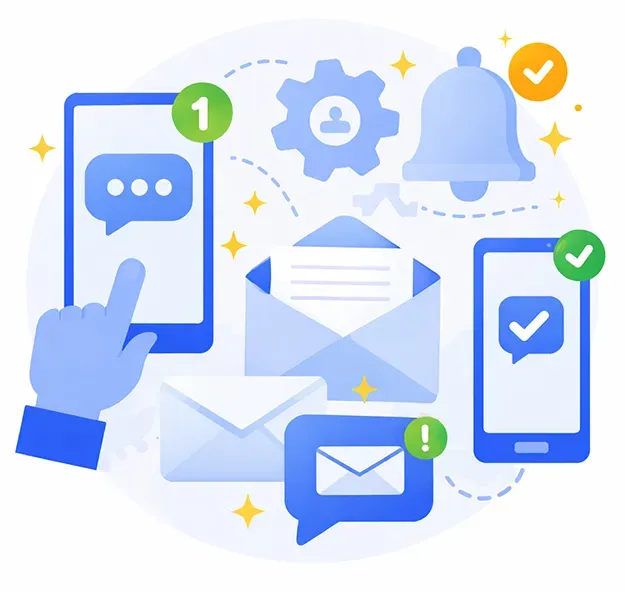
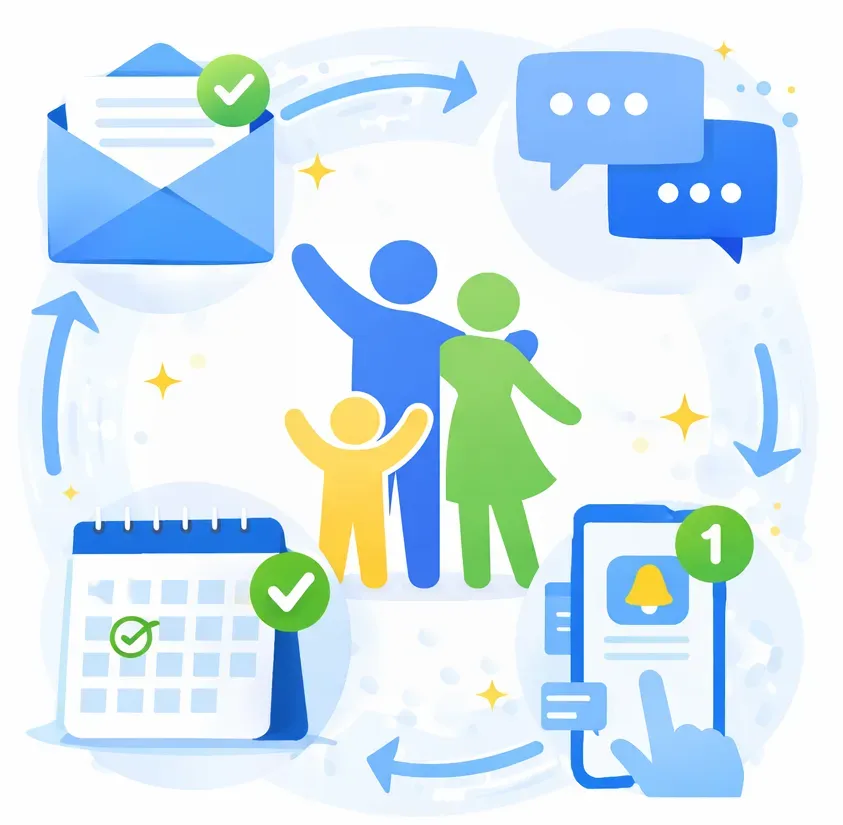
Communications built to work together. Emails, push notifications, automated messages, and 2-way texting within iClassPro mean faster responses, clearer communication, stronger relationships, and a more professional experience for everyone.

Dashboard displaying analytics
Cards with instructor portraits and swim class details

Communicate With Purpose and Proof

Running a gym, swim school, dance studio, cheer or ninja program means you’re communicating constantly. You’re answering questions, confirming details, sending updates, and guiding families every step of the way. Strong business communications aren’t optional for a children’s activity center, they’re essential. 


Texts, emails, push notifications, and automated messages all live within the same system as your classes, enrollments, billing, and families. Every conversation is connected. Every message has context. And every communication effort is trackable so you always know what was sent, who received it, and how families engage. 

Built-In Tracking for Every Message You Send

Communication isn’t just about sending messages. It’s about knowing they were delivered, understanding how families responded, and making sure your team stays aligned.


With iClassPro, every communication—manual or automated—is logged directly within the system.

Green check mark, indicating approval or completion.

A complete history tied to each family and staff profile

Green check mark, indicating approval or completion.

Visibility into who sent what, when, and through which channel

Green check mark, indicating approval or completion.

Fewer duplicate messages and missed replies

Green check mark, indicating approval or completion.

Confidence that your team is always working from the same information

Whether you’re answering a quick question, announcing a schedule change, automating party prep reminders, or sending a “Happy Birthday!” message on the big day, iClassPro gives you the tools to communicate clearly and consistently without the chaos. 

Cards with instructor portraits and swim class details

Example:

From party planning to happy birthday text graphic
Blue checklist with two unchecked boxes, one checked box, and a pencil.

2 weeks before:

Automated booking confirmation, including a customized party planning checklist 

Blue checklist with two unchecked boxes, one checked box, and a pencil.

3 days before:

Reminder to finalize details

Blue checklist with two unchecked boxes, one checked box, and a pencil.

Party day:

A personalized “Happy Birthday!” message sent automatically

Blue checklist with two unchecked boxes, one checked box, and a pencil.

After the party:

Follow-up with a customized thank-you message and upsell to classes

Every message is tracked, visible to your team, and tied to the family record—so nothing slips through the cracks.

Centralized communication:
Keep all emails, automated messages, push notifications, and 2-way texts organized in your Office Portal.

2-Way Texting:
Real Conversations, Now Organized

Faster replies, fewer missed messages, and a professional SMS feature that supports real conversations at scale. 

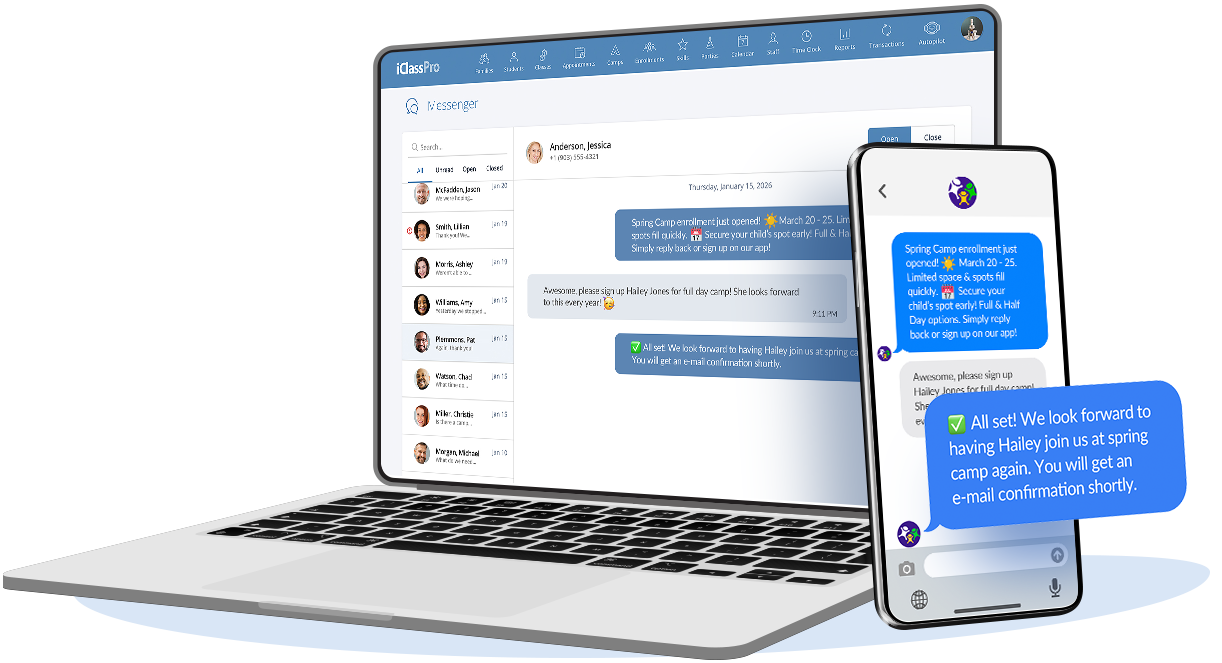
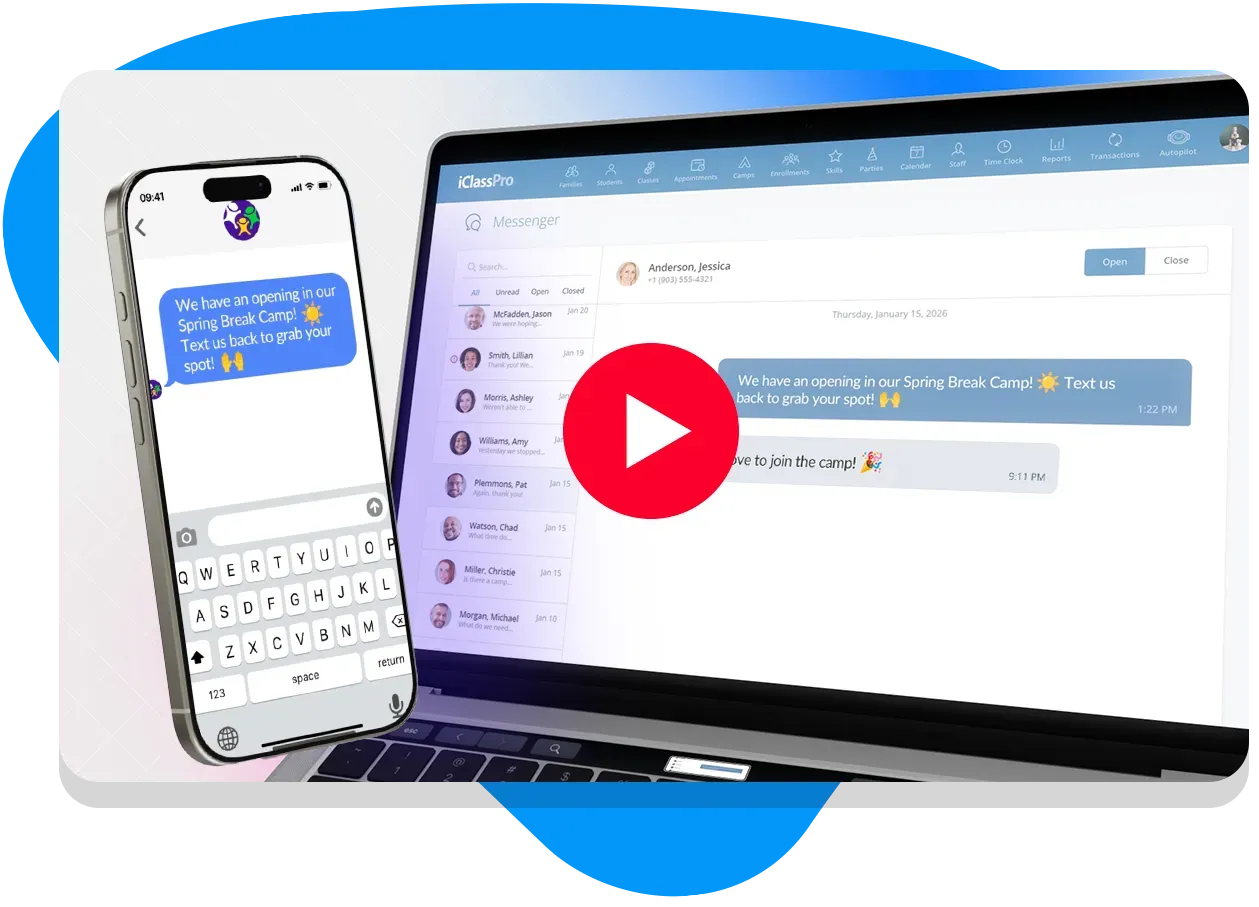
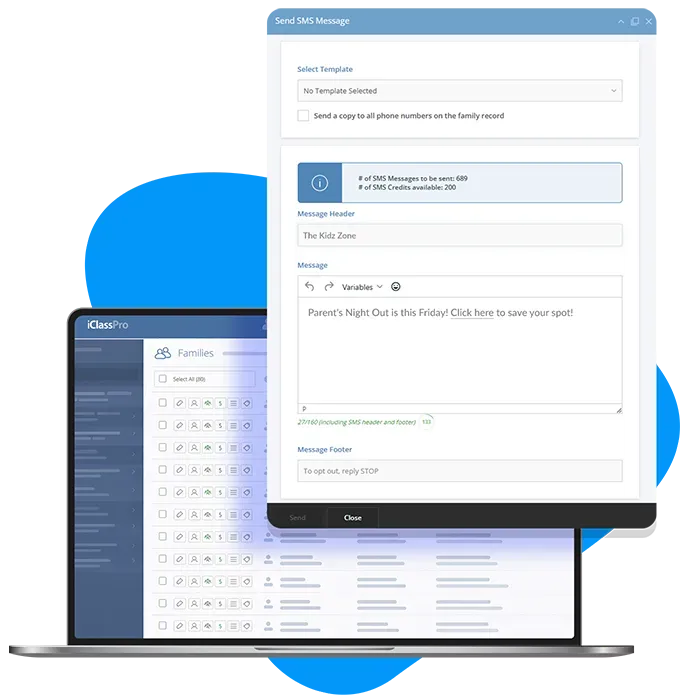
Meet the NEW 2-Way Texting Inbox: a centralized hub designed for modern 2-way text communication that lives right inside your Office Portal and brings every text conversation into one clean, organized workspace. No personal phone usage required by your team members. No disconnected threads. No guessing who replied. 

Smartphone and laptop displaying chat messages
Cards with instructor portraits and swim class details

One complete conversation view:   See every text in a single, chronological thread so context is never lost. 

Track mass text replies:  Responses to broadcast messages flow right back into your 2-Way Texting Inbox, so when you send mass text or bulk SMS messages, nothing slips through the cracks.

Team alignment built in:  Mark conversations open or closed so staff knows what’s handled and what still needs attention.

Smarter family visibility:  Shared phone numbers across multiple family profiles are clearly connected, giving you the full picture.

Communication history you can trust:  Keep a full record of conversations while honoring opt-out preferences automatically.

You’ll find the 2-Way Texting Inbox exactly where you need it: in the Family and Staff Communication Logs, and the NEW Messenger page, accessible using the new Inbox icon within the taskbar in your Office Portal. Your team always has the context to respond faster, smarter, and with confidence.

SMS delivery depends on carrier rules and device settings. Some messages, including those with links, may be filtered, blocked, or not delivered.

Push Notifications:
Instant Alerts That Get Noticed 

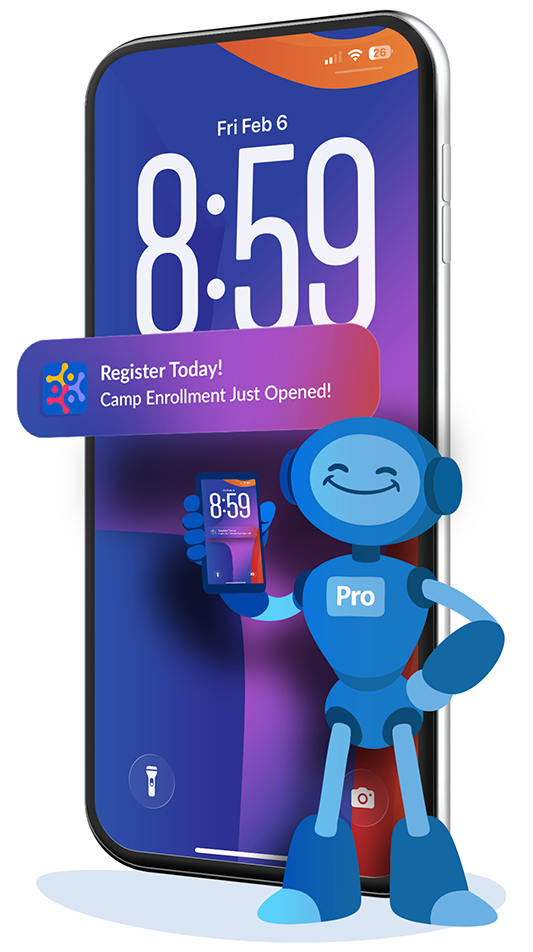
In a world where parents are constantly on the go, timing matters. Push notifications give you a reliable way to deliver short, urgent updates directly to guardians’ phones, right when they need to see them. 


Push notifications go straight to the iClassPro Mobile App (or Branded Mobile App) on a family’s device. This means your message doesn’t get buried in an inbox or lost in threads — it’s seen instantly.


Push notifications are perfect for quick, high-impact updates that demand attention, like weather alerts, schedule changes, or urgent reminders. And because each device receives one notification (even if it represents multiple students or enrollments), you stay respectful of families’ attention while ensuring communication is clear. 

Green check mark, indicating approval or completion.

Reach families instantly on their lock screens

Green check mark, indicating approval or completion.

Share clear, actionable updates exactly when timing matters

Green check mark, indicating approval or completion.

Cut down on missed messages compared to email or bulk SMS

Green check mark, indicating approval or completion.

Keep a complete communication history your team can reference anytime

Blue robot holding a small phone

Automate Communication Tasks with Autopilot

Streamline emails and notifications, ensuring a seamless and engaging experience for your staff and customers.

Cards with instructor portraits and swim class details

Automate  enrollment confirmations, tuition reminders, and waitlist offers without manual follow-up.

Trigger automated communications  for tryouts enrollments, team placements, and payment reminders, keeping athletes and parents aligned all year.

Send automatic lesson reminders and billing notices that reduce missed classes and late payments.

Keep families informed  all season long with automatically delivered enrollment emails, tuition and costume payment reminders, and more.

Keep camps, events and promotions running smoothly  with automated messaging.

Family surrounded by communication icons

One Complete Communication Story

Gymnastics gyms, swim schools, dance studios, cheer and ninja programs all rely on fast, reliable software to send mass text messages, bulk SMS reminders, and clear email communication. iClassPro brings every channel together so your business communications are consistent, trackable, and built for growing programs. 

Laptop with Azure logo, arrows indicating updates.

Not yet a customer and interested in learning more about our Communications tools and how iClassPro can be a game changer for your business?

Video player icon with a graduation cap in the center, featuring a play button.

Already part of the iClassPro family? Log into your account and head to the Education Corner on your Office Portal Welcome Page for step-by-step, interactive demos.

Communications FAQs

  • What is the best way to send mass text messages to parents?

    Using our NEW, built-in 2-Way Texting feature allows you to send mass text or bulk SMS messages directly from your Office Portal, while keeping replies organized and tracked. 

  • Can I schedule emails in advance?

    Yes. iClassPro lets you schedule email sends ahead of time, so announcements go out exactly when families need them. 

  • Do messages stay connected to family accounts?

    Every email, SMS/text, and push notification is logged within each family profile, under the Communications Tab, giving your team full communication history. 

  • Can I automate communications?

    With Autopilot Communications, emails, text messages, and push notifications can be triggered automatically based on enrollments, payments, reminders, and more. 

  • Is this built for children’s activity centers?

    Absolutely. iClassPro’s communication features are designed specifically for gymnastics and cheer gyms, swim schools, dance studios, ninja programs, and other children’s activity centers.