

Enhance Your Event Management with Intuitive Software
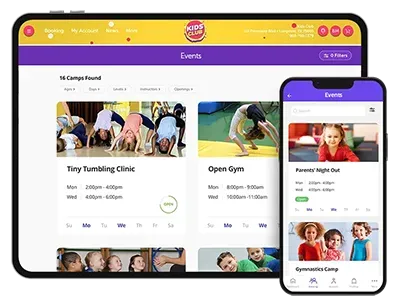
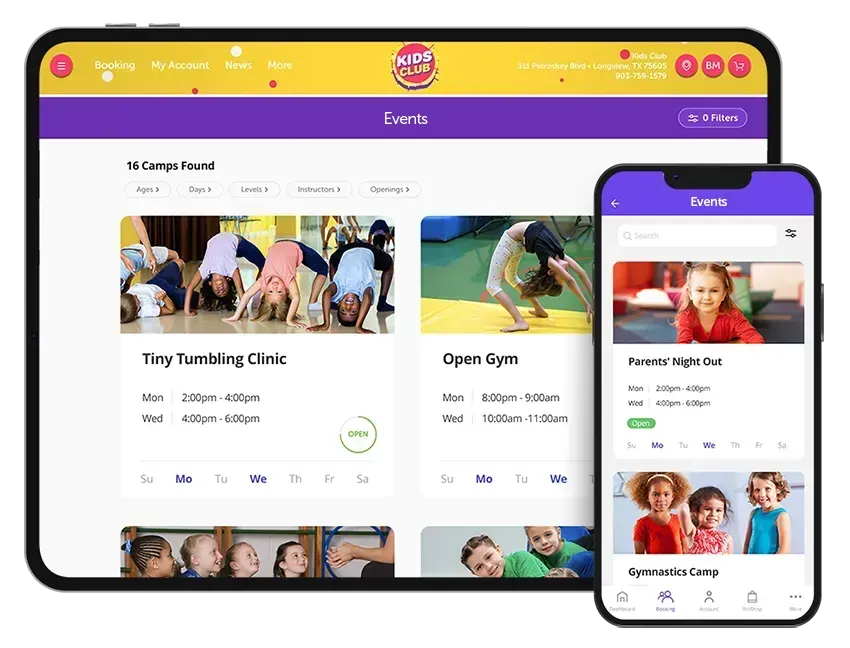
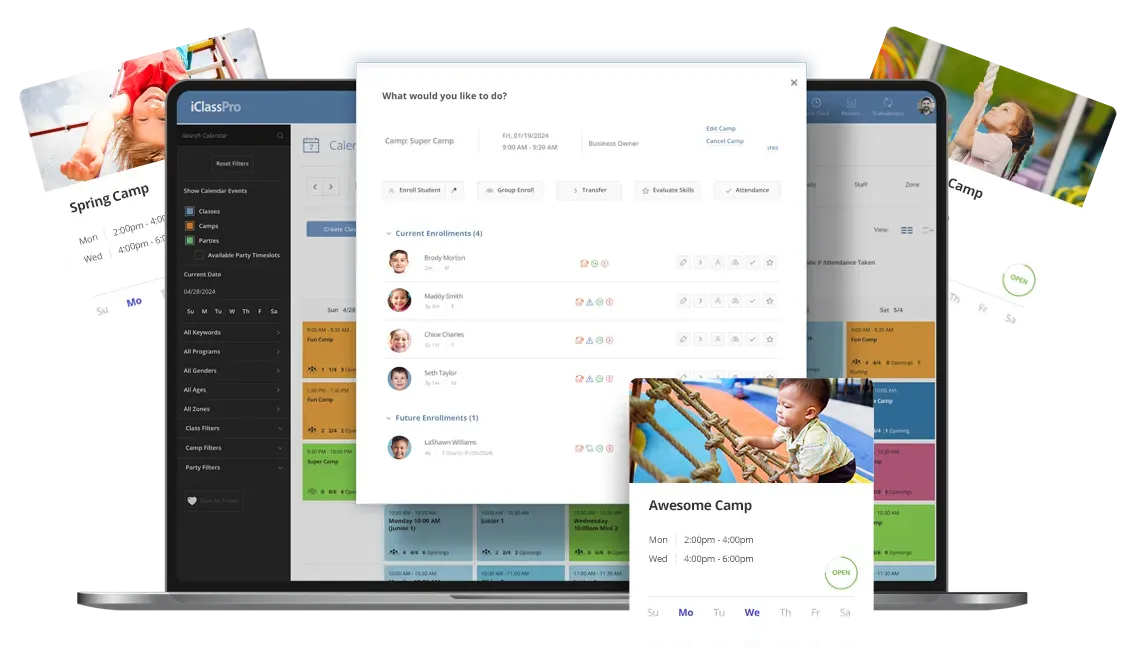
Easily manage your camps, open gyms, parents' night out, and other special events!
Take Customer Engagement to the Next Level
Describe some quality or feature of the company. Write a short paragraph about it and choose an appropriate icon.
Short title
Maximize Revenue and Engagement

Fill your calendar while increasing revenue with short term events such as summer camps and open gyms.
Enhance Real-Time Customer Experience

Offer priority registration, online enrollment, billing, and waitlist options to make your customers feel exclusive and accommodate their needs effectively.
Empower Your Customers with Self-Service Options

Discover the simplicity of electronic attendance tracking with the user friendly, touchless check-in kiosk.

Event Enrollment Wizard
A guided workflow helps staff move through enrollments quickly and consistently, creating a smoother experience for both new and experienced team members.

User Defined Enrollment Questions and Student Answers
Everything needed to support attendees and keep the day moving is available in one place, in real time, on the Staff Portal.

SMS Text & Push Notifications
Easily communicate with families by sending a text message or push notification directly from the Events page in the Office Portal.

Expand Event Dates after Enrollment
Even after enrollment begins, you have control when plans change.

Priority Registration
Set Priority Registration dates on individual events, providing more flexibility and preventing enrollment interruptions across events.

Opening Counts for Events & Blocks
Parents can clearly see availability when browsing event blocks, choosing and enrolling with confidence.

Bulk Event Schedule Changes
Make schedule adjustments across multiple events in one step, saving time when plans change.

Mass Cancel Event Blocks
When schedules need to shift, cancel event blocks across multiple events quickly using a familiar process.

Assign Unique Charge Category by Event Type
Organize event revenue and reports, no matter how you run your events.

Direct Link to Enrollment
Copy and share a direct link to an individual event, removing the need to navigate through the Customer Portal to enroll!

Hidden Class/Event Registration
Keep select events hidden from public view while allowing enrollment through direct links.
Even more game-changing event features

Modify Event Booking Links
Parents can now instantly modify existing event enrollments when enrolling for a camp that conflicts with an existing event enrollment.

Mass Duplication of Events
Quickly duplicate multiple events at once from the Events page, saving time and ensuring consistent setup across events.
Group Event Enrollment
Add multiple students to an event in a single workflow, reducing the time it takes to process registrations during peak enrollment periods.
Capitalize on Revenue-Increasing Add-On Perks
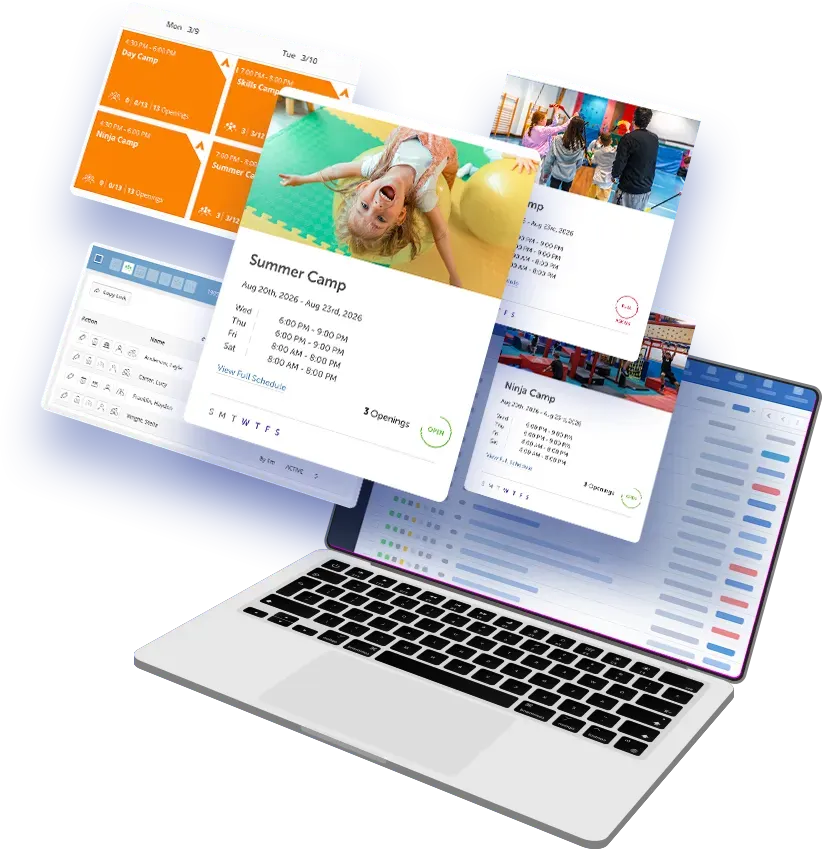
Limitless revenue potential is in your hands! Prompt your customers to answer customized questions during registration: make those answers required or optional and choose to include add-on fees based on the answers to these questions!

Enjoy Flexible Enrollment and Billing Options
Auto-approve enrollments or opt for request-only enrollment mode. Provide priority registration, show real-time occupancy and elect to use waitlists. Enhance your customer experience by offering payment options: register without immediate payment, register with a deposit or ask for payment in full - the power is in your hands!

Customize Your Event Registration Experience
Choose between full event registration or allow your customers to handpick specific event blocks that they would like to attend. Elect to use waitlists, alerting your customer that an event block is full. Enjoy the bonus of multi-block or multi-student discounts for the same event! Elevate your event experience with personalized choices and exclusive advantages!

Simplify Event Block Registrations
Streamline registration with this custom labeling feature! Easily group and select event blocks with the same label, simplifying registration for specific time slots like mornings, afternoons, or the full day. Your chosen alias label becomes the identifier for the attached blocks, making the process seamless and efficient.

Limitless Event Potential
Imagine the possibilities with software that can efficiently manage summer camps, open gyms, parent’s night out, holiday events, dance parties and more. Ready to take your camps to the next level? Our Summer Camp Playbook shares expert strategies for creating exciting camp themes, boosting enrollments, and maximizing revenue. Read the Summer Camp Playbook.
Describe some quality or feature of the company. Write a short paragraph about it and choose an appropriate icon.