

A Complete Social Media Guide for Gymnastics, All Star Cheer, Swim, and Dance Programs
November 6, 2025
Social media is no longer optional—it’s essential. It’s how families find your classes, how students stay inspired, and how your business builds community.
Parents scroll Instagram and Facebook, teens connect on TikTok and get help on YouTube, and past students follow your success stories.
With the right social media ideas, you can:
- Boost class enrollment
- Retain students year after year
- Recruit and inspire staff members
- Keep your gym, school, or studio top of mind
Staying Social Helps Class Businesses Thrive Year-Round
Social media keeps your business visible outside of the busy enrollment seasons.
Picture these moments:
- A parent sees your team’s video of kids conquering their first competition, then goes to your website to learn more.
- After visiting your gym or studio’s open play day, a parent, grandparent, or guardian later spots a targeted Facebook ad for classes and enrolls their child.
- A teen scrolling TikTok finds a highlight video of one of your coaches walking through the evolution of teaching a new skill and convinces their parents to look into your rates.
- A past student sees a throwback clip and reaches out to see if you have volunteer hours or open positions they can apply for.
These moments aren’t just happy accidents—they start with smart, intentional social media strategies.

Why Youth Activity Centers Can’t Ignore Social Media
On average, Americans spend 2+ hours a day on social platforms—making them one of the best ways to connect with families and students, attract staff, and support activities and skill building programs year-round.
Regular, audience-focused posts aren’t optional—they’re essential.
7 Steps to Start Building Your Social Media Strategy
In this guide, we’ll cover seven important steps you can take to build a successful social media plan for your All Star cheer gym, swim school, dance studio, or gymnastics program.
The good news? You don’t need a Gen Z social guru on staff to succeed. With the right strategy (and this guide), you’ll learn how to:
✅️Craft content that engages every core audience.
✅️Repurpose what already works.
✅️Build campaigns that leave lasting impressions.
From branding basics to active engagement tactics, this guide will help you launch a winning social media strategy.
1. Build a Strong Social Media Foundation
Photo Waivers & Privacy 📷
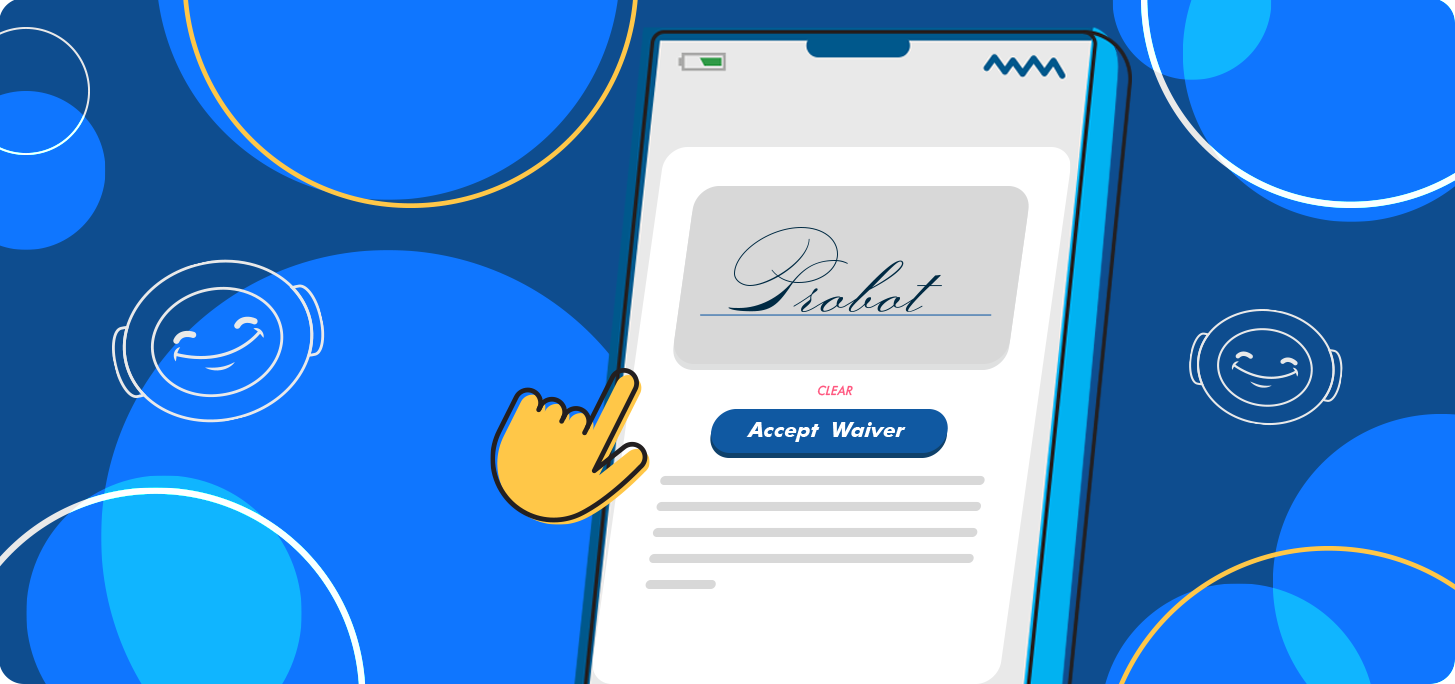
Sharing real student photos and videos is a powerful way to build excitement, but always make a point to secure signed waivers first. This protects your business and helps build trust.
As a general rule, parents and guardians have more peace of mind about photos or cameras around their youth if your organization details policies in writing about who will be in charge, where and when photos or videos are permitted to be taken, how the photos will be screened, and how they are used for marketing or social media.
Privacy laws can vary greatly in different cities, states, and countries. Always seek professional legal advice about best practices when creating photo waivers and agreements.
iClassPro®’s online registration via the Customer Portal helps
youth activity centers collect agreements and waivers!
Connect Social Media Accounts to Your Website 🔗
Think of your socials as the “billboard” and your website as the “front desk” of your online operations. The majority of your social posts should link back to other elements of your business’ website such as registration, trials, or class and program info.
Consistent Branding ✨
Use the same logos, colors, core images, and tone of voice across all of your social media platforms so families recognize you instantly whenever they run across your content.
SEO for Profiles 🔎
Add your organization’s location and address to social profiles in designated fields or your description. If it’s not clear what you do at your facility from your business name alone, include that detail too.
Parents often search terms like “dance studio near me” or “gymnastics in [city]” when they’re looking for a place to enroll. To appear near the top of those results, you want to keep local SEO keywords in mind for socials as well as your website.

2. Match Your Audience to the Right Platforms
As a general rule, different generations use social media in different ways. Combine this with the specific features each platform excels at, and you start to form a strategy around which content will perform best on each platform.
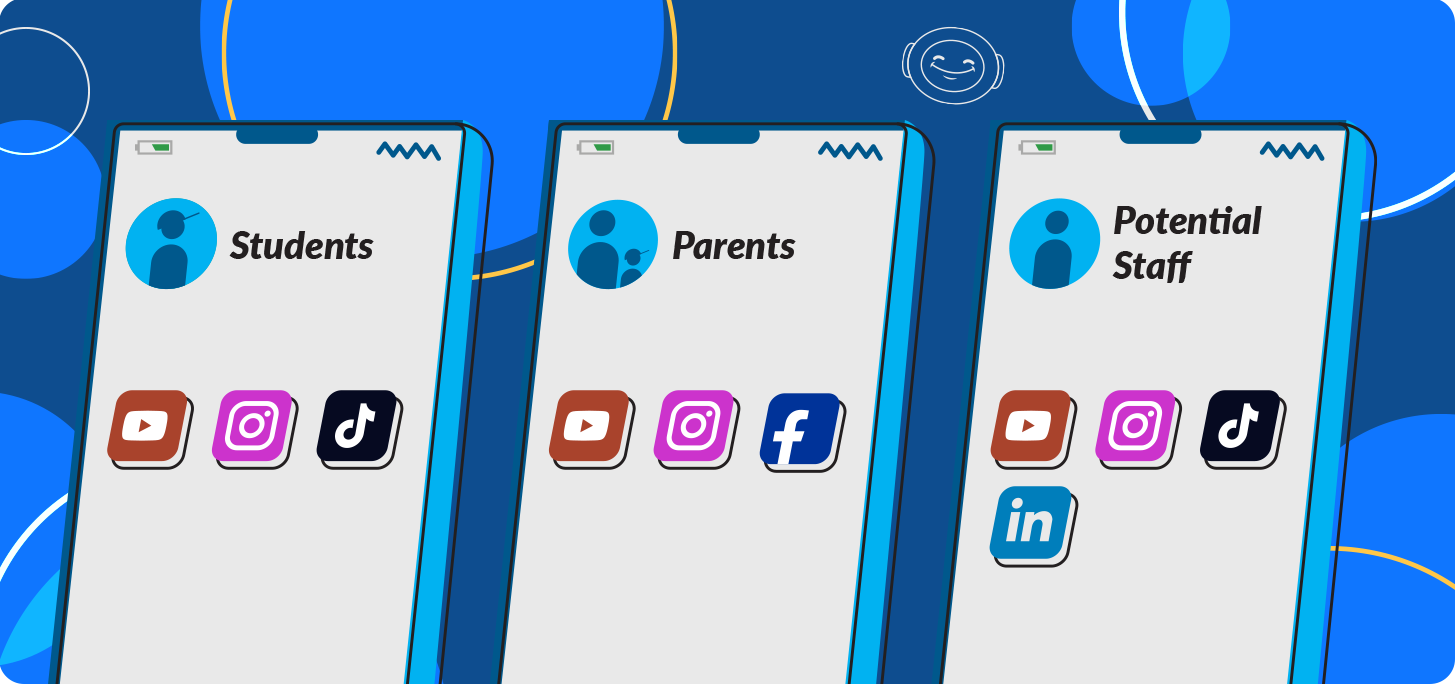
- Parents/Guardians (Decision Makers):
- Facebook → announcements, testimonials, events
- Instagram → reels of classes, registration reminders
- YouTube → safety explainers, FAQs, facility tours, coach highlights
- Students (Future & Current):
- TikTok → fun challenges, training clips, skill leveling, behind-the-scenes
- Instagram → “day in the life” and highlight reels
- YouTube → safety tips, at-home tips, tutorials, event highlights
- Staff & Instructors:
- LinkedIn → job postings, culture stories
- TikTok/Instagram → staff spotlights, team content
- Community Building:
- Private Facebook groups for teams and for parents to connect
- LinkedIn groups for current and past instructors
BONUS: Platform Power Tips for Social Media Beginners
A single picture can be creatively dispersed across all your platforms. But to really use social media effectively, you need an understanding of what each platform does best.
- TikTok: Content under <30 seconds, use trending sounds, tap into challenges.
- Instagram: Reels target reach (more eyes); Stories are best for engagement (more action).
- Facebook: Optimal platform for groups, events, and targeted ads.
- YouTube: Ideal for longer storytelling, playlists, and sharing testimonials.
- LinkedIn: Highest impact with recruitment and leadership content.
3. Seasonal Social Media Ideas for Youth Activity Centers
When coming up with ideas for social media posts, it’s important to match your content to the season and what’s likely going on in your audience’s life. Let’s break it down!
🍂 Fall Content Themes:
Fall is all about fresh starts. Share content that ties into back-to-school transitions—like enrollment reminders, new staff introductions, or tips for balancing school with after-school activities. Hosting a fall festival, open gym, or open swim event? Highlight it on your socials to draw in families looking for fun seasonal activities.
❄️ Winter Content Themes:
Winter is the perfect season to spread warmth. Share heartwarming student stories, holiday greetings, and recital or showcase highlights. Get involved in the community with food or toy drives and spotlight your efforts online. To drive business, advertise parties. Promote gift cards or certificates as an opportunity to “give the gift of gymnastics/cheer/ swim/dance.”
🌱 Spring Content Themes:
Spring is a season of growth—both for your students and your program. Feature student spotlights, especially for those preparing for auditions, competitions, or college applications. As parents begin planning summer activities, create excitement with countdowns to special sessions, showcase your summer camp options, and remind families of end-of-season enrollment opportunities too.
☀️ Summer Content Themes:
Summer brings extra free time for students, giving you more chances to showcase your programs. Post videos or photos of impressive skills. Connect those achievements to bigger life skills like focus, determination, or discipline for parents who may be prioritizing resume or application building over other activities. If your program offers job shadowing, internships, or leadership opportunities, share that content to attract older students and demonstrate long-term value.

4. Create Clear Calls to Action with Your Social Posts
Every post should guide your audience to the next step. Make the purpose obvious and easy to act on.
Add a Link to Follow
Links are the simplest way to drive action—connecting people directly to your website and resources.
- Register Now – Give your audience a one-click path to sign up.
- Apply Now – Show why working at your activity center is the right fit, then point potential staff to the application.
- View More Testimonials/Reviews – Share a testimonial or review page geared toward new student or staff recruitment.
- Join Our Community – Build your groups on Facebook or LinkedIn by inviting people who follow your page to join.
- Learn More – Share details about programs, blog posts, or important documents.
⭐ Pro Tip: Use a free link shortener (e.g., https://app.bitly.com) to keep posts clean and simple.
Close with Callouts
If your goal is engagement or reach (and your account already has an active following), use action-driven prompts:
- Like/Follow – Great to gain followers or get engagement for an extended social campaign with multiple posts.
- Tag or Mention – Invite followers to tag your page or a friend in response to your post. Perfect for challenges and storytelling campaigns.
- Leave a Comment – Spark conversation by asking a question, prompting guesses, or encouraging story-sharing.
- Share This Post – When promoting an event, goal, or challenge, ask your audience to help spread the word. Combine with a link for added impact.
⭐
Pro Tip: Reinforce your callout in the graphic (e.g., “Tag a friend who can match this skill!”) to boost engagement.
For children's activity centers with strong skill-based programs, iClassPro’s skill trees can be a real game-changer! Track student skill evolution and celebrate milestones with ease! Visit our skills page to learn more!
5. Balance Fresh Creations & Repurposed Content
Posting consistency matters more than volume. Even one post per week can work if it’s intentional. While most sources would suggest a minimum of 2 or 3 posts a week, we would argue that it’s more important to set a schedule you can commit to.
Social media should be a thoughtful, yet fun outlet for sharing information about your organization—not a source of stress.
- Create fresh content – Post something fresh and unseen at least every few weeks to make it more difficult for your followers to tune you out.
- Leverage existing assets: Repurpose your blog posts, newsletters, videos, photos as short post topics with a link to more information.
- Encourage user-generated content: Ask families to tag or caption your photos and join contests or challenges.
6. Create & Post Your Social Content Like A Pro
Create your social media content (graphics, post text, etc) in advance.
Use a tool to schedule posts weekly, monthly, or quarterly—then adjust as needed for real-time events and ideas. Use themes like #MotivationMonday or #ThrowbackThursday to create consistency and keep planning simple.
Review post metrics after a week to gauge response. Each quarter, identify 2–5 top performers and repurpose or model new posts after them to maximize results.
7. Use AI Tools to Boost Your Creativity
AI won’t replace your efforts to build a comprehensive social media strategy. It won’t write more consistently than your own voice, but it can help you generate and improve on ideas.
It’s ideal for helping you brainstorm, organize your thoughts into plans, and saves time in creating first drafts.
Try using AI to:
- Generate trending post ideas.
- Repurpose uploaded blogs, newsletters, or photos into multiple posts.
- Build storytelling or teaser campaigns for parents/guardians, students, and staff.
- Map out a posting calendar tailored to your goals.
🔐 Data Security Reminder: Never upload sensitive info (like rosters, financial data, or personally identifying information and images) into free AI tools. Always check how your data will be used before using a new tool. For safer options, consider paid AI tool accounts with stronger security and features.
Could you use a little help with AI for your gymnastics, cheer, swim, and dance programs? We’ve got you covered!
Click below to access our guide to AI for youth-oriented class-based businesses.
Conclusion: Start Creating a Social Media Plan for Your Gym, School, or Studio!
With a thoughtful strategy, your team can use social media to:
✅️Reach parents where they scroll
✅️Create moments of action
✅️Recruit high-quality staff
✅️Boost enrollments with urgency and social proof
✅️Stay top-of-mind year-round
✅️Build a thriving community of families, students, and staff
Pair these tactics with your broader marketing efforts and business goals, and you’ll create a social presence that sparks excitement, earns trust, and drives growth.
So put on your creative thinking cap to start sharing more of your story on social media!