

Introducing Autopilot Billing: Launch Into Automated Monthly Tuition Payment Processing
Running a youth activity center, gymnastics program, cheer gym, dance studio, or swim school is all about helping students grow, not chasing down tuition payments. Yet for many business owners, monthly tuition billing can feel like re-entering Earth’s atmosphere: stressful, time-consuming, and full of turbulence. Charges have to be created, credits applied, payments processed, and families notified of successful or declined payments.
What if that entire process could launch into orbit itself?
With iClassPro®’s Autopilot Billing, it can!
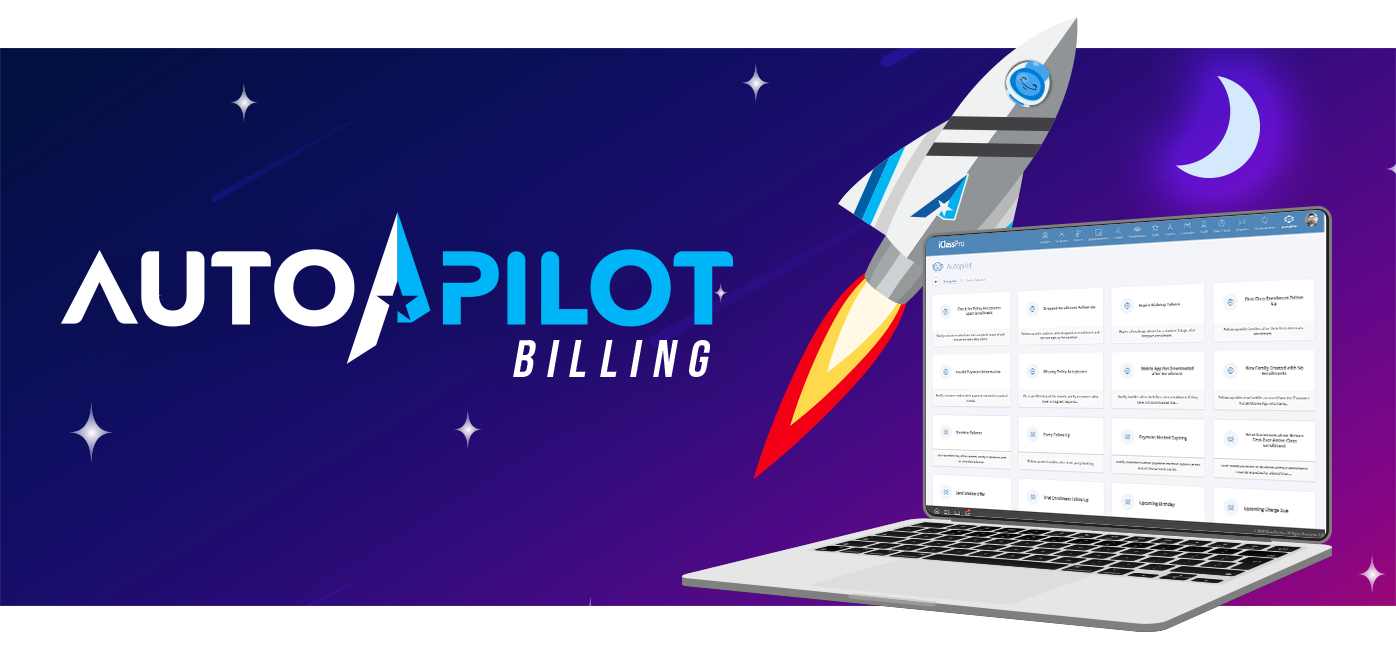
Autopilot Billing is the latest innovation in iClassPro’s galaxy of automation software, designed to simplify the financial side of your business so you can focus on your true mission — your students and families.
This powerful new feature automates your entire monthly tuition billing workflow from countdown to liftoff. Once activated, your monthly charges launch on schedule. Credits are applied. ePayments are auto-drafted, and receipts are sent. Your crew (billing staff) is notified every step of the way, all without manual controls.
Whether you serve 30 families or 3,000, Autopilot Billing delivers consistent results: accurate billing, predictable revenue, and peace of mind — no matter how big your universe.
What Is Autopilot Billing?
Autopilot Billing is the automated monthly tuition billing system built directly into iClassPro. Think of it as your mission control. You set the rules once, and the system then handles the process for you each billing cycle.
Here’s what it does:
- Generates monthly tuition charges according to your defined billing schedule.
- Applies credits automatically.
- Processes ePayments securely through iClassPro’s payment system.
- Sends families receipts once payments are completed.
- Notifies staff via email or SMS about billing progress or any issues.
It’s a complete end-to-end solution for monthly recurring payments, designed specifically for activity centers, gyms, dance studios, and swim schools. Good news for our session-based billing customers! While the initial release focused on automated monthly billing, we’re actively working on automated session-based billing.
Key Features and Benefits of Autopilot Billing

Automated Charges & Payments
Set your schedule once and let Autopilot Billing do the heavy lifting. Tuition Charges are created, credits are applied, and payments are processed automatically, reducing the time your staff spends on repetitive billing tasks. st

Real-Time Staff Notifications
Stay mission ready without being hands-on. Your billing staff receives updates on processed payments, errors, or issues so you always know what’s happening without manually hovering.

Improved Accuracy
Autopilot applies your billing rules consistently, ensuring families are billed correctly every time.

Predictable Revenue
One of the greatest benefits of automation is reliable cash flow. Autopilot ensures that recurring billing truly recurs. Give your accounts receivable team the financial confidence they strive for, month after month.

Secure & Compliant Payments
With best-in-class payment processing security and compliance measures, Autopilot Billing protects both your business and your customers’ data. Whether families make their ePayments by debit card, credit card, or ACH, you can be confident every transaction will land safely. Want to see how else we’ve got you covered? Learn more about the extra steps we take to protect your customers’ data.
How Autopilot Billing Works
Launching Autopilot Billing is simple and only requires a few steps:

Define Your Billing Rules
Simply set your billing schedule and select if you’re billing for students active in the current month or next month. Let Autopilot take it from there!

Activate Autopilot Billing
Once configured, enable the billing automation workflow in your account settings. Setup is quick — just a few selections, and you’re ready to go.

Stay Informed While It Runs
Once activated, Autopilot handles billing cycle by cycle. Email and SMS alerts are sent to your appointed billing staff throughout the process, so you remain in the loop without manually managing each task.
The workflow is straightforward:
Tuition Charged → Credits Applied → Payments Processed → Receipt Sent → Staff Notified.
Real Programs, Real Results
One of our beta users described the experience this way:
"We used to stress every month about getting invoices out on time - and training a backup person in case our office manager was away only added to the pressure. Now, with your Autopilot Billing Feature, all that worry is gone. Thanks, iClassPro!"
Tom Forster, Owner of Bounce Gymnastics
That’s the promise of Autopilot Billing: hands-free software that gives you back valuable time while ensuring your finances run smoothly.
Automated Billing Scales with Your Business
Whether your program is a single shuttle or a full fleet, Autopilot Billing adapts to your needs:

Smaller programs
Save staff hours every month that can be redirected toward growing your program.

Growing programs
Eliminate billing bottlenecks that would otherwise require hiring additional staff.

Multi-location organizations
Keep your processes consistent across all sites, ensuring families everywhere enjoy the same seamless experience.
Because Autopilot is built into iClassPro, it uses the same rules and settings that already power your classes, enrollments, and family accounts. That means scaling up doesn’t require reconfiguring your entire system — it just works.

Common Challenges Solved by Autopilot Billing
Many businesses struggle with the same set of billing challenges. Autopilot Billing addresses them directly:
- Late or missed payments → Automated payment processing reduce delays.
- Manual follow-up work → Notifications and automations reduce the need for manual emails and text messages.
- Forgetting to apply credits → Consistency keeps billing on course.
- Unpredictable revenue → Recurring billing software creates reliable cash flow.
- Staff Inefficiency →
Automated processes reduce errors and save hours each monthly billing cycle.
Signs You’re Ready for Automated Tuition Billing
You may be ready to launch with Autopilot Billing if:
- You spend hours each month on billing tasks.
- Enrollment growth is pushing your manual billing system to its limit.
- You want to deliver a seamless experience with automatic monthly payments.
If any of this sounds familiar, it’s time to let your billing run itself.
Ready for Liftoff?
Take the stress out of your monthly tuition billing and discover how iClassPro can simplify so much more. If you’re already a customer, head over to our Education Corner to explore the interactive demos.
Not yet an iClassPro Customer? Click below and schedule some time with one of our sales representatives.
FAQs
🗓️ Scheduling & Timing
Q: Can I change the billing date for a specific month (e.g., skip December 25)?
Yes, you can change the schedule of when the workflow will bill, but you will need to change it back to resume billing on the original date.
Q: What time zone does Autopilot Billing use?
It follows your organization’s standard time zone.
Q: Is there an end date option so billing stops automatically at the end of a semester?
You can drop the enrollment/class so it's no longer included in billing, or you can disable the workflow from running at the end of a semester.
Q: Can I run billing twice in one cycle (e.g., on the 25th and again on the 1st)?
Yes, you can set up multiple workflows to capture charges at different times.
Q: How does it handle months with different numbers of days?
The system calculates due dates relative to the charge date (e.g., due in 5 days), not by a fixed calendar day.
💳 Charges, Payments & Due Dates
Q: Can charges and payment runs be scheduled separately?
No, but there can be a delay set in the actions as allowed in the current workflow.
Q: What’s the difference between “charges” and “payments”?
- Charges = tuition or fees posted to the ledger.
- Payments = applying credits and/or collecting funds from a family’s payment method.
Q: Can the system prevent duplicate charges?
Yes, Autopilot Billing checks existing transactions and prevents duplicates.
Q: If the preview run is deleted, can charges be re-run?
Yes, but you’ll need to run it manually again.
Q: Once a preview is generated, will it catch new students added afterward?
No, if new enrollments are added, you’ll need to regenerate or run an additional workflow.
📄Notifications
Q: Are declined transaction emails still sent?
Yes, the
option
to include
failed and successful payment notifications is available.
📊 Tuition Structures, Fees, and Credits
Q: Does Autopilot Billing work with weekly or rolling sessions instead of monthly?
While the initial release focused on automated monthly billing, we’re actively working on automated session-based billing.
Q: Can it handle sibling discounts, military discounts, and anniversary fees?
Yes, discounts and anniversary fees are applied if configured in your system.
Q: What if we don’t use anniversary charges?
There are two different workflow options: one that INCLUDES Anniversary charges and one that doesn't. You would simply choose the workflow that does not have anniversary charges.
Q: Can it handle billing for only 9 months of the year?
Yes, but you would need to manually disable it during the months you want to skip.
Q: What about proration and blackout dates?
Both are supported. Autopilot Billing will honor your existing proration and blackout rules.
Q: Is there a way to automatically apply fees for declined payments?
This capability is available for eCheck payments, but not yet for Credit Cards. You can manually apply fees for credit cards if needed.
Q: If a family has a credit, how is it applied?
Credits apply automatically, but they are account-wide. Currently, you cannot restrict credits to a specific child.
Q: Will monthly charges match the Monthly Tuition Category we have listed?
Yes, as long as categories are set up correctly, charges will match.
Q: Do charges post to the correct month in the ledger?
Yes, based on the due date and category assigned.
🧾 Technical & Accounting Integrations
Q: Can this only be used if linked with QuickBooks?
No, Autopilot Billing works independently, but integration with QuickBooks is available.