






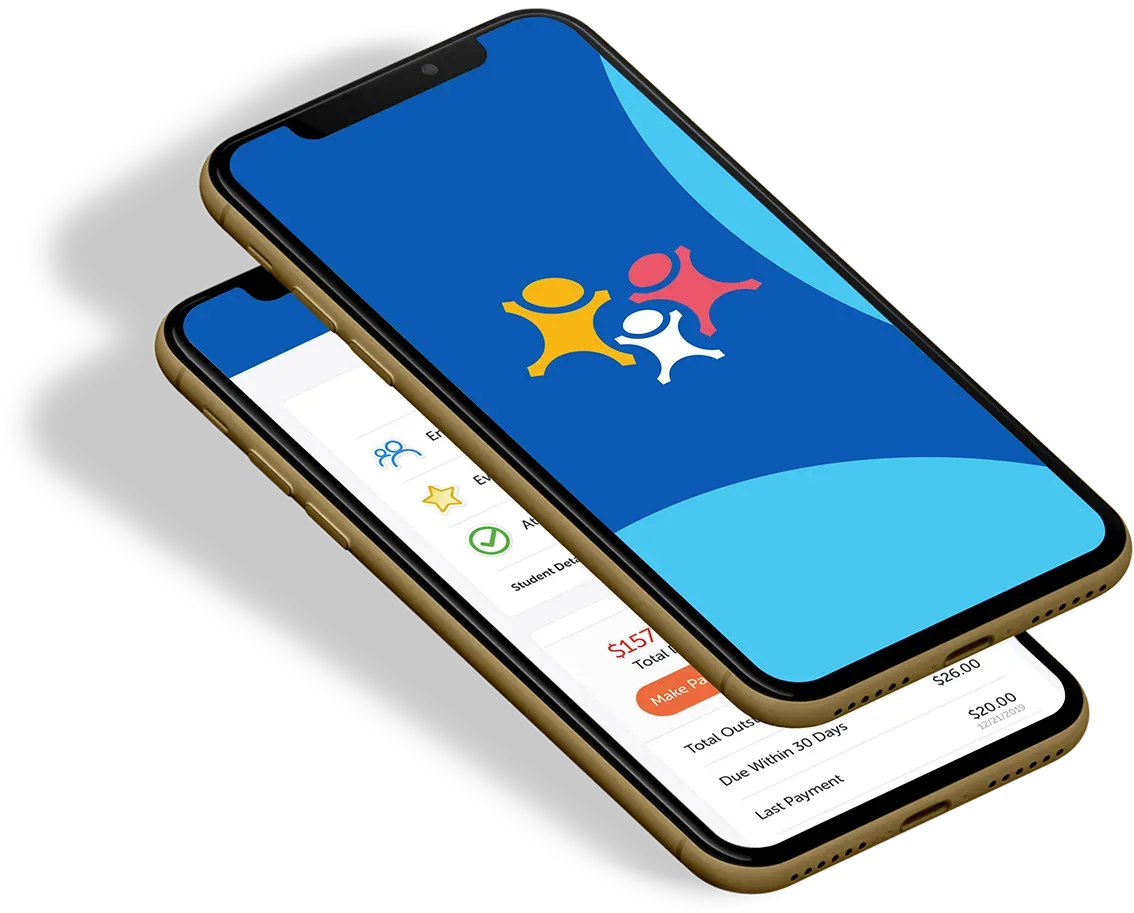
What is the Customer Portal?
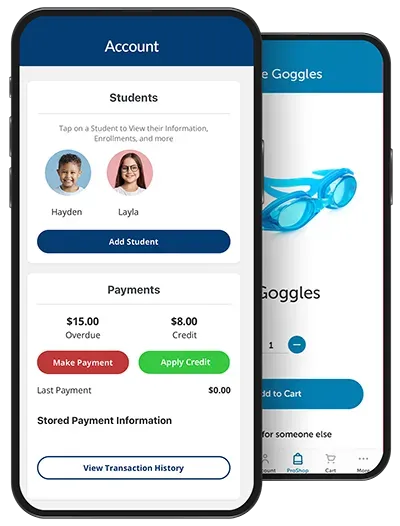
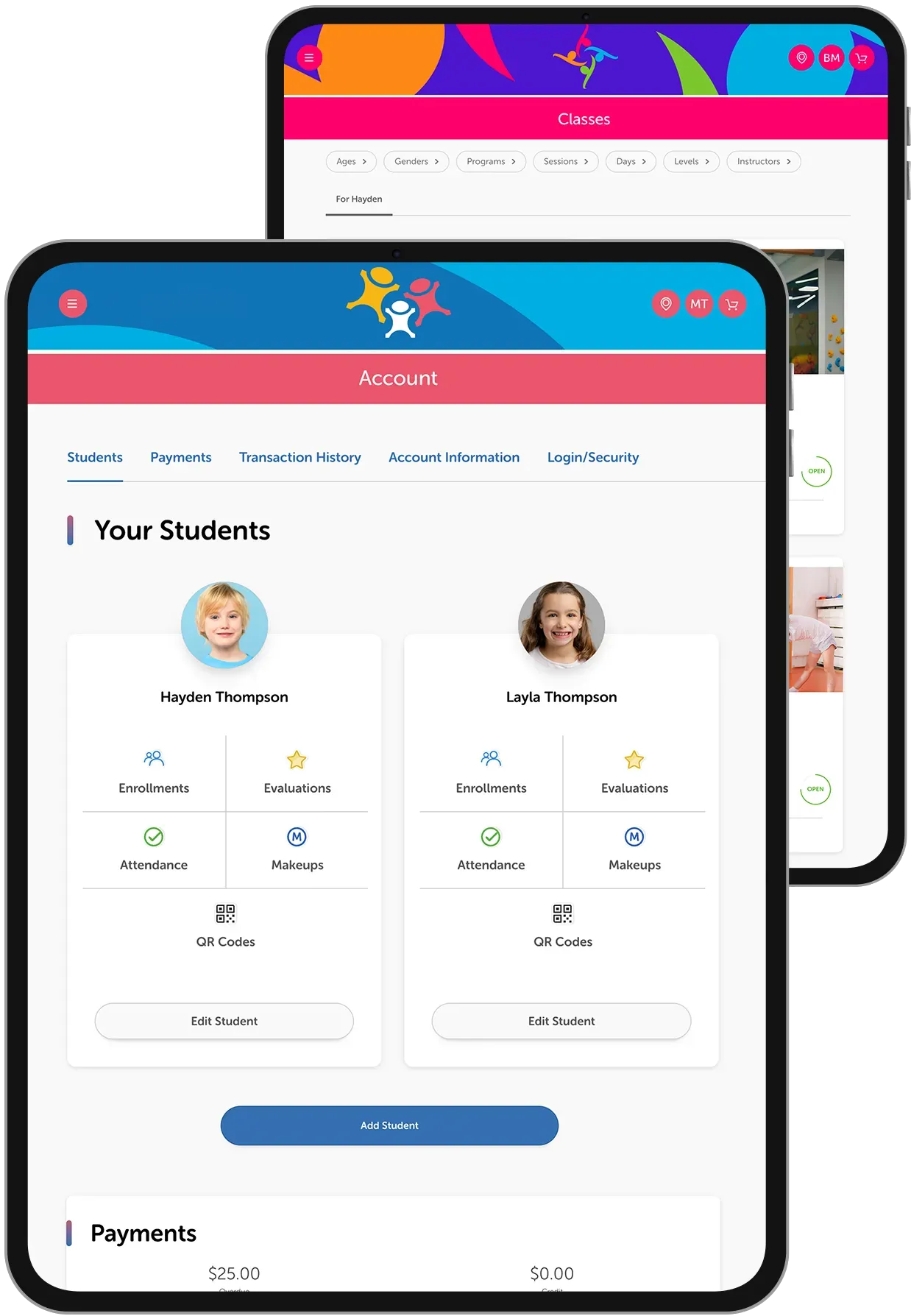
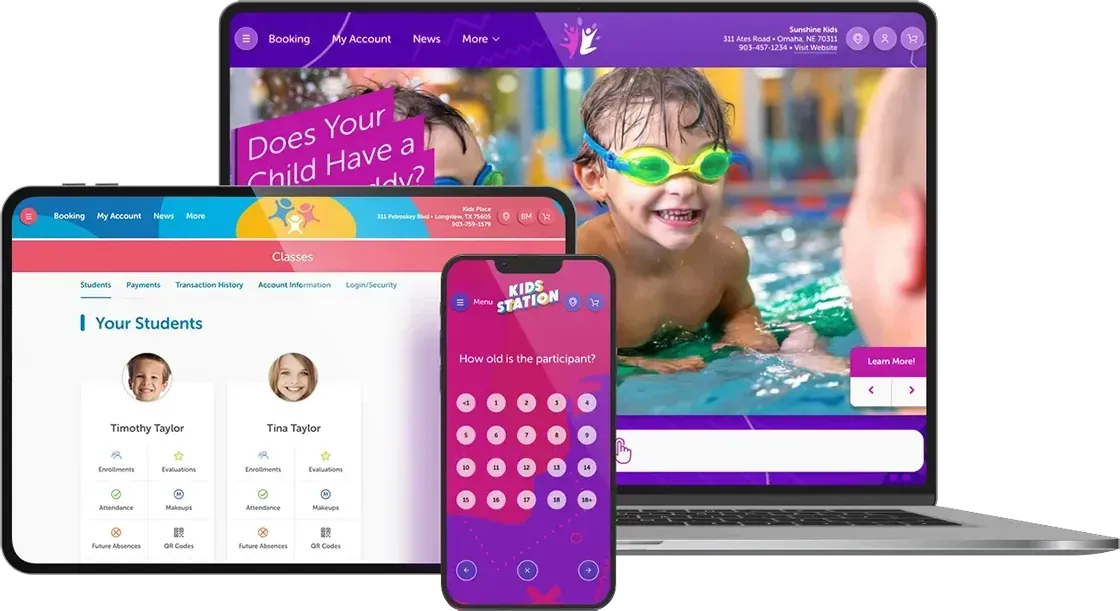
The Customer Portal is a secure online hub where families can manage accounts, register students, make payments, access the Proshop, and stay informed.
How do I create a new account?
Click “Create an Account”, enter your details, agree to the policies, and add students if needed.
How do I register for a class or camp?
Go to the “Booking” tab, apply filters, select your class or camp, add a student, and complete checkout.
Can I update my account information?
Yes. You can update personal details and login credentials in the “My Account” section.
How do I make a payment or view my payment history?
Go to the “Payments” section under My Account to add or select a stored payment method. You can also view past statements and transaction history.
How can I filter classes or camps?
You can filter by age, program, level, instructor, or schedule to quickly find the right fit.
Can customers see classes before logging in?
Yes, if enabled by an admin. Admins can choose to allow or restrict access to view available classes and camps without logging in, while still keeping registration secure.